 BeelanceShop
Una lista de tareas, todas las vistasOne task list, every view
Si tu equipo ya vive en Excel, no necesitas otra herramienta ni licencias por usuario. Rellenas una sola lista de tareas y el tablero Kanban, el panel, los calendarios y la matriz de Eisenhower se actualizan solos. No hay que copiar ni arrastrar nada.If your team already lives in Excel, you don't need another tool or per-user licences. You fill in one task list and the Kanban board, dashboard, calendars and Eisenhower matrix update themselves. Nothing to copy or drag.
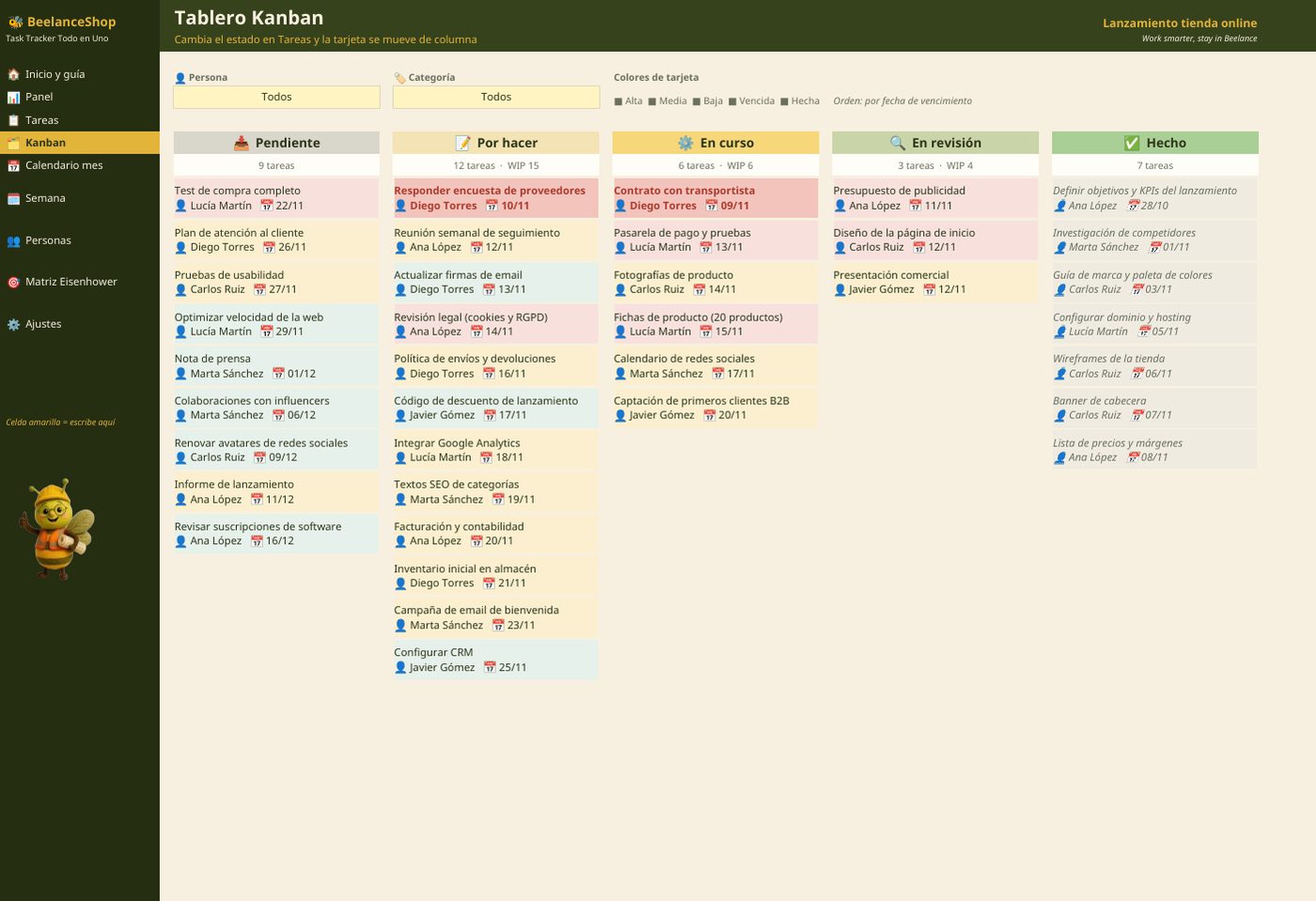
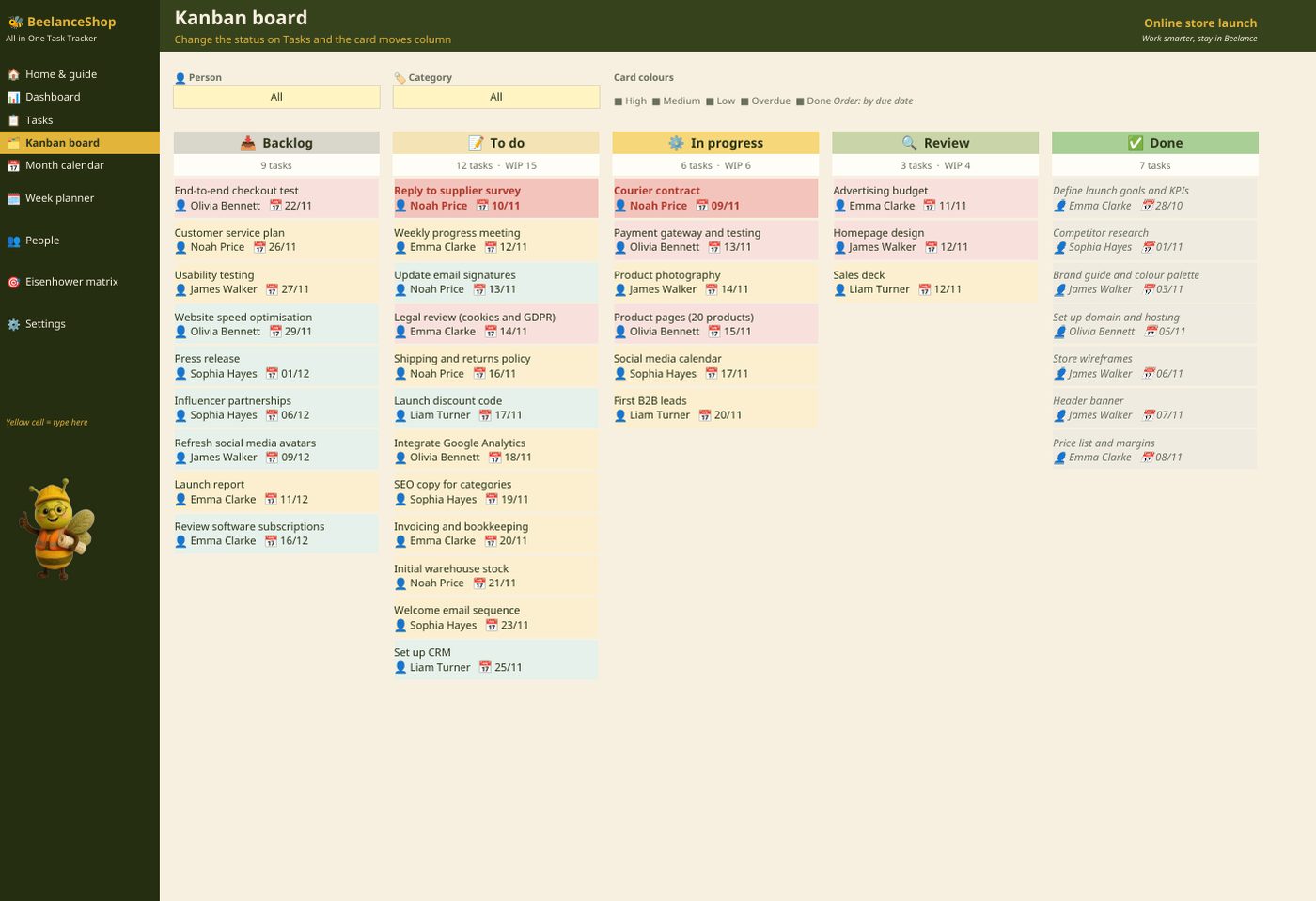
1 · Tablero Kanban con límites WIP1 · Kanban board with WIP limits
Cinco columnas: Pendiente, Por hacer, En curso, En revisión y Hecho. Cambias el estado en la lista y la tarjeta salta de columna, ordenada por fecha de vencimiento. Filtros por persona y categoría, colores por prioridad, vencidas en rojo y el contador en rojo si se supera el límite WIP.Five columns: Backlog, To do, In progress, In review and Done. Change the status in the list and the card jumps column, sorted by due date. Filters by person and category, colours by priority, overdue in red and the counter turns red when the WIP limit is exceeded.
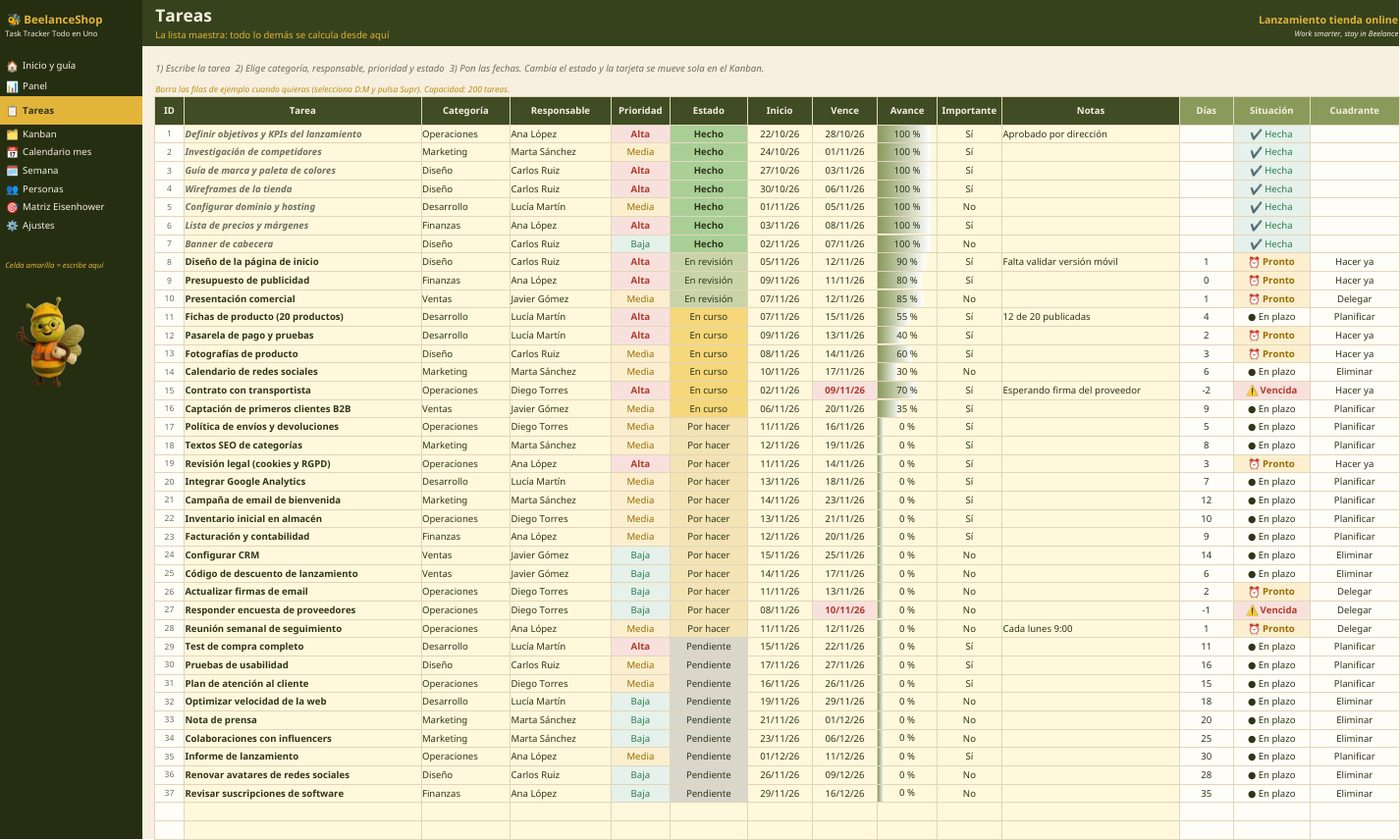
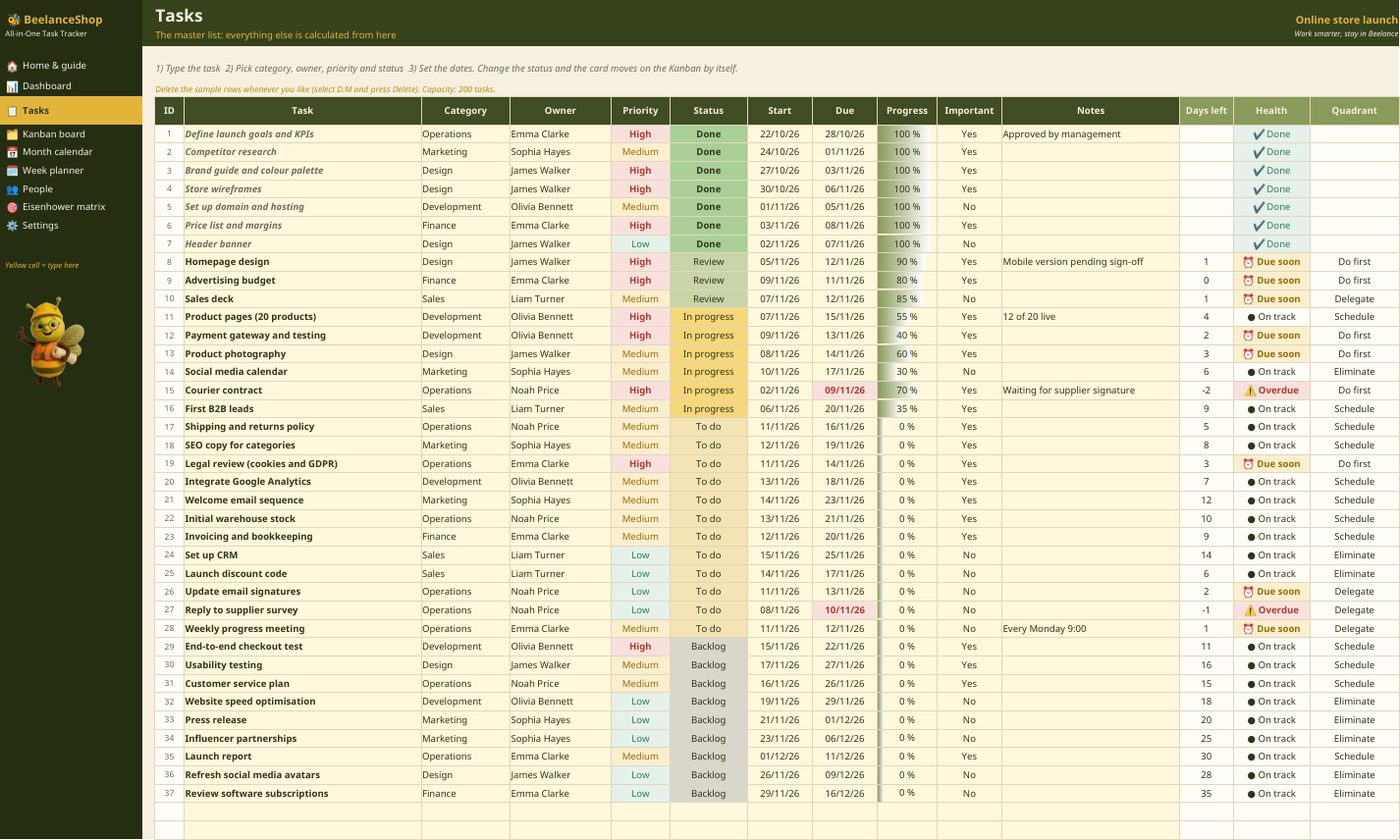
2 · La lista de tareas2 · The task list
Una fila por tarea: tarea, responsable, categoría, prioridad, importante, estado, fechas y notas. Listas desplegables para que nadie escriba un estado distinto, y avisos automáticos de vencidas y de las que vencen esta semana.One row per task: task, owner, category, priority, important, status, dates and notes. Dropdowns so nobody types a different status, and automatic flags for overdue tasks and those due this week.
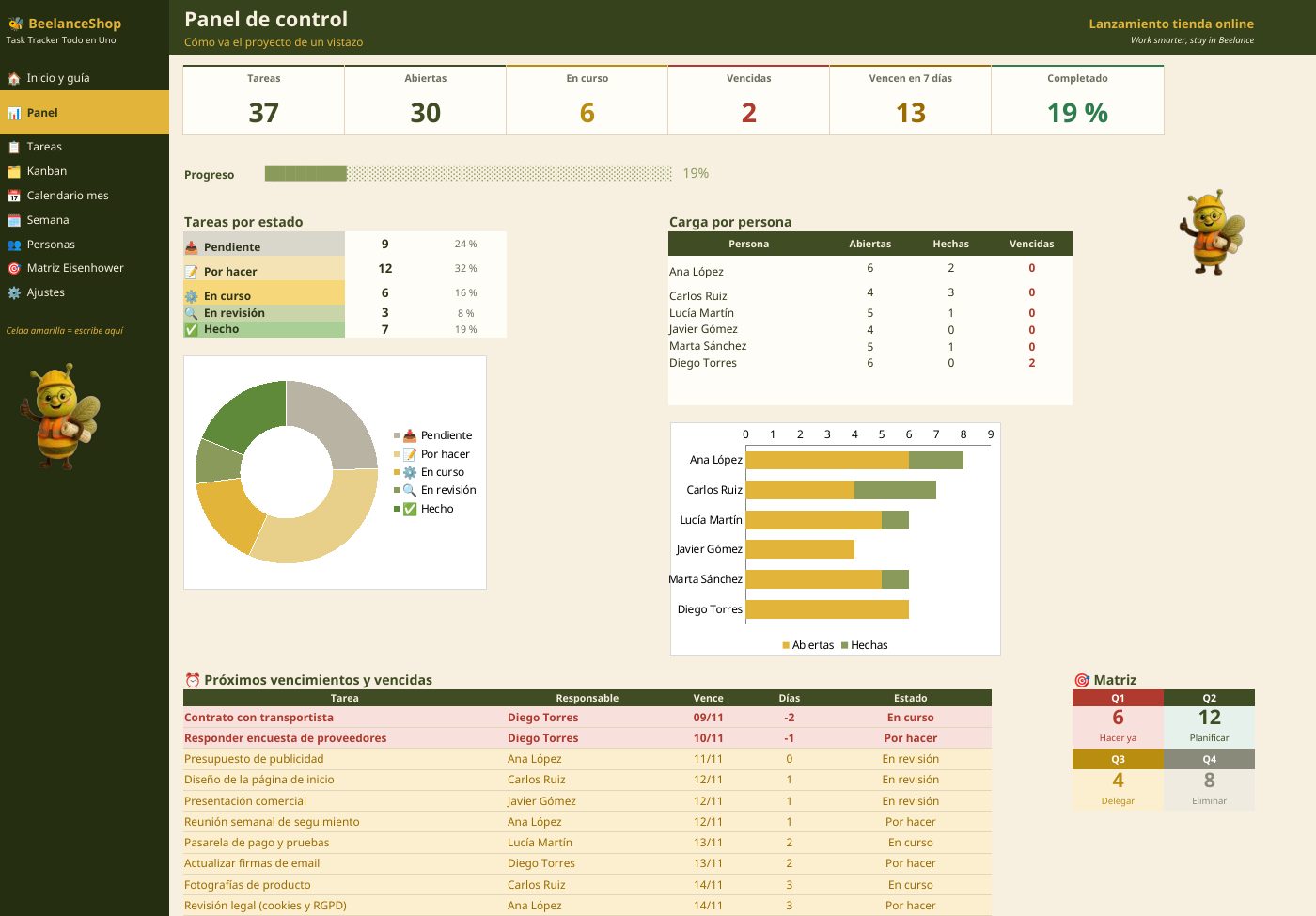
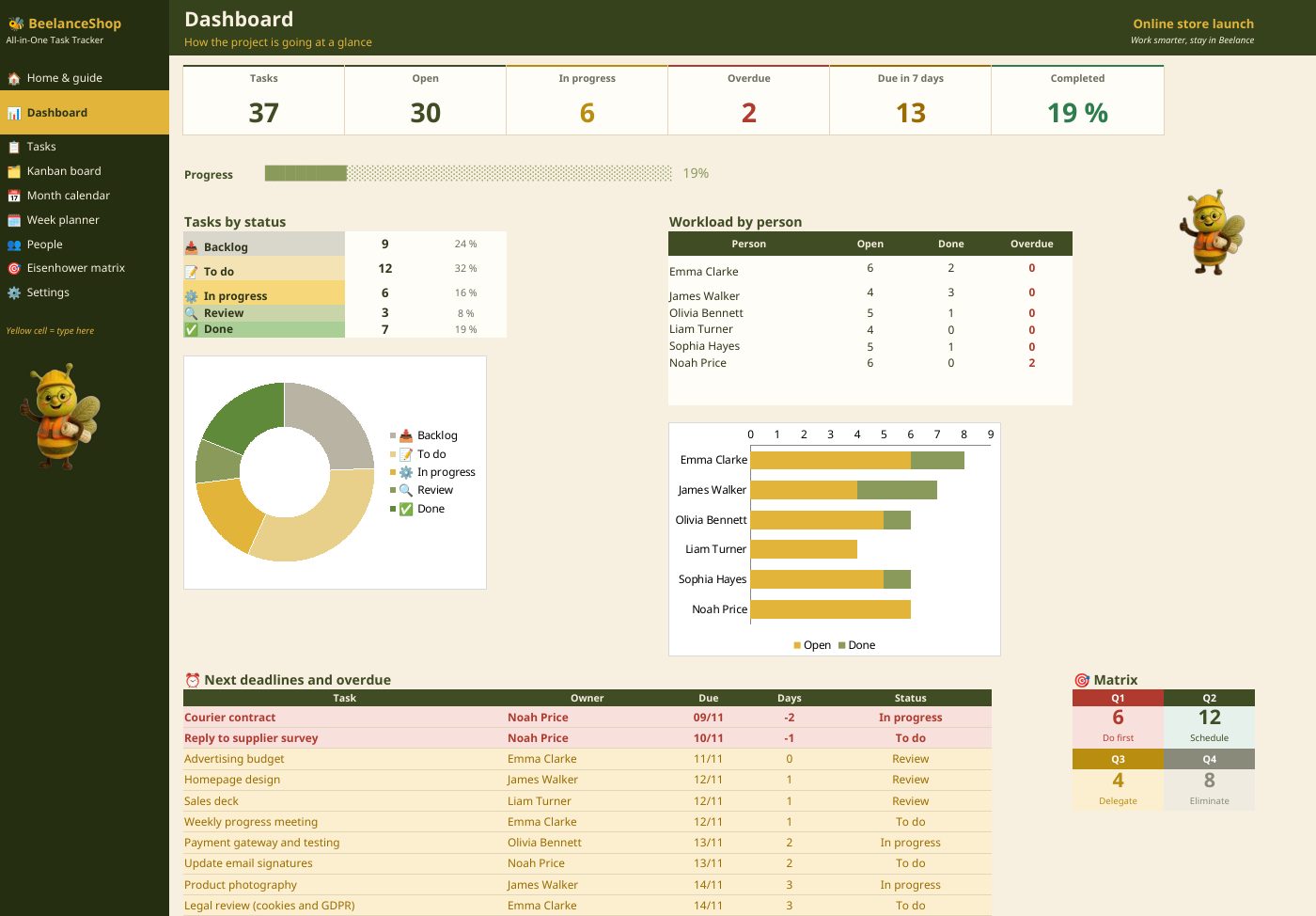
3 · Panel con indicadores y carga por persona3 · Dashboard with KPIs and workload
Tareas abiertas, vencidas, que vencen esta semana y completadas, gráficos por estado y prioridad, carga de trabajo por persona y próximos vencimientos.Open, overdue, due this week and completed tasks, charts by status and priority, workload per person and upcoming due dates.
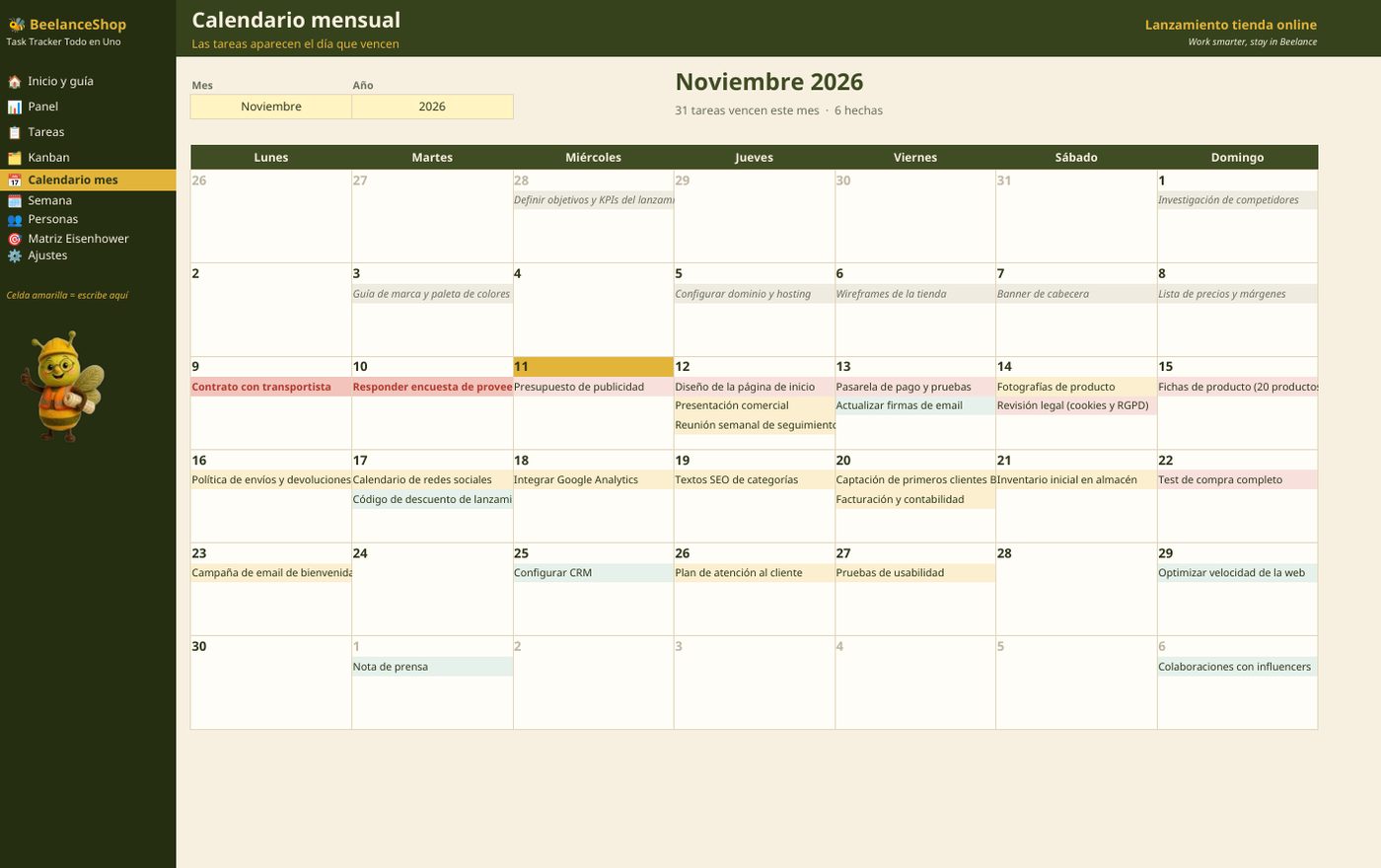
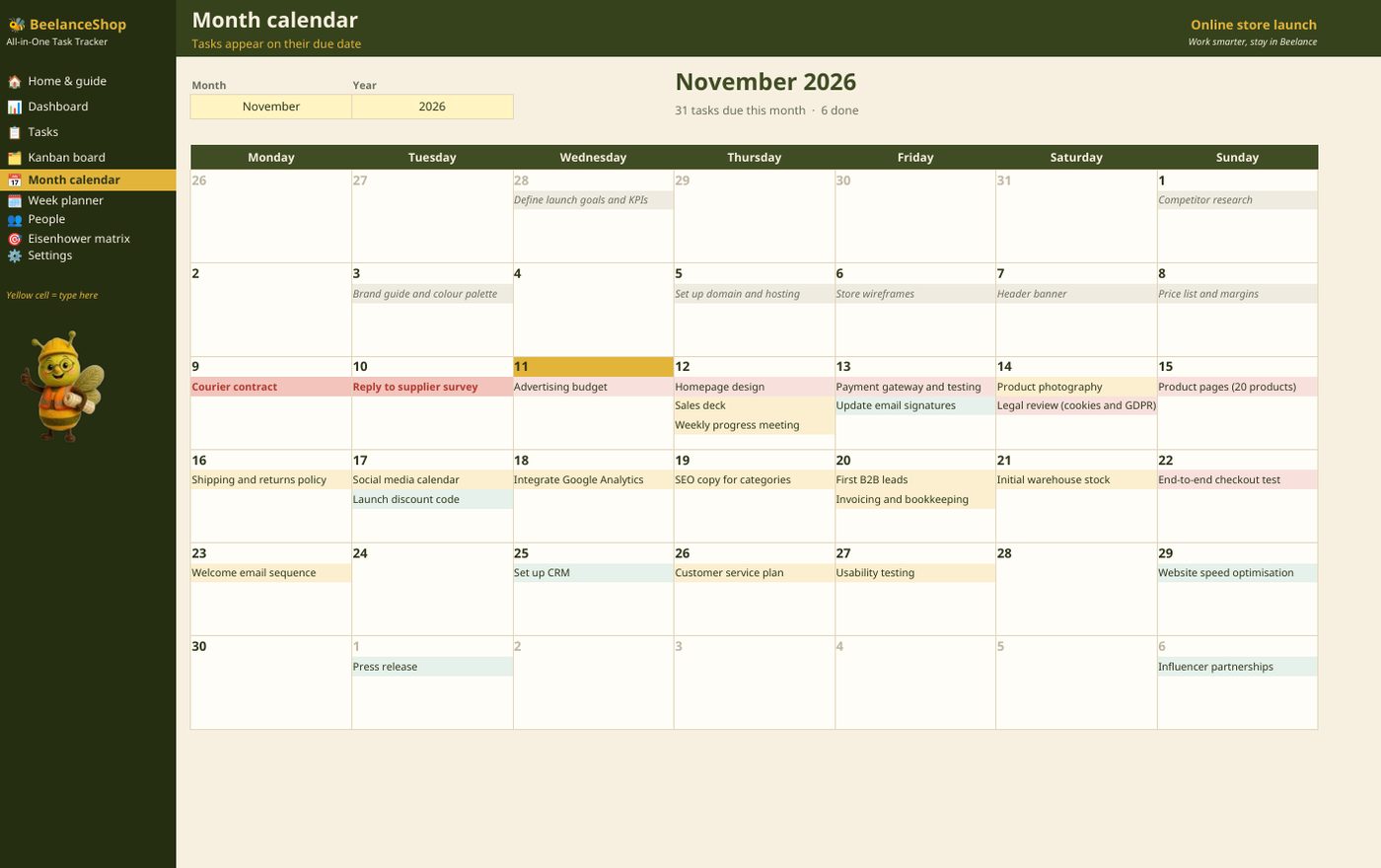
4 · Calendario mensual y planificador semanal4 · Month calendar and weekly planner
Cada tarea aparece el día que vence. El mes y la semana se eligen arriba; los vencidos se marcan y el día de hoy se resalta.Each task appears on its due date. Choose the month and the week at the top; overdue items are flagged and today is highlighted.
5 · Matriz de Eisenhower y equipo5 · Eisenhower matrix and team
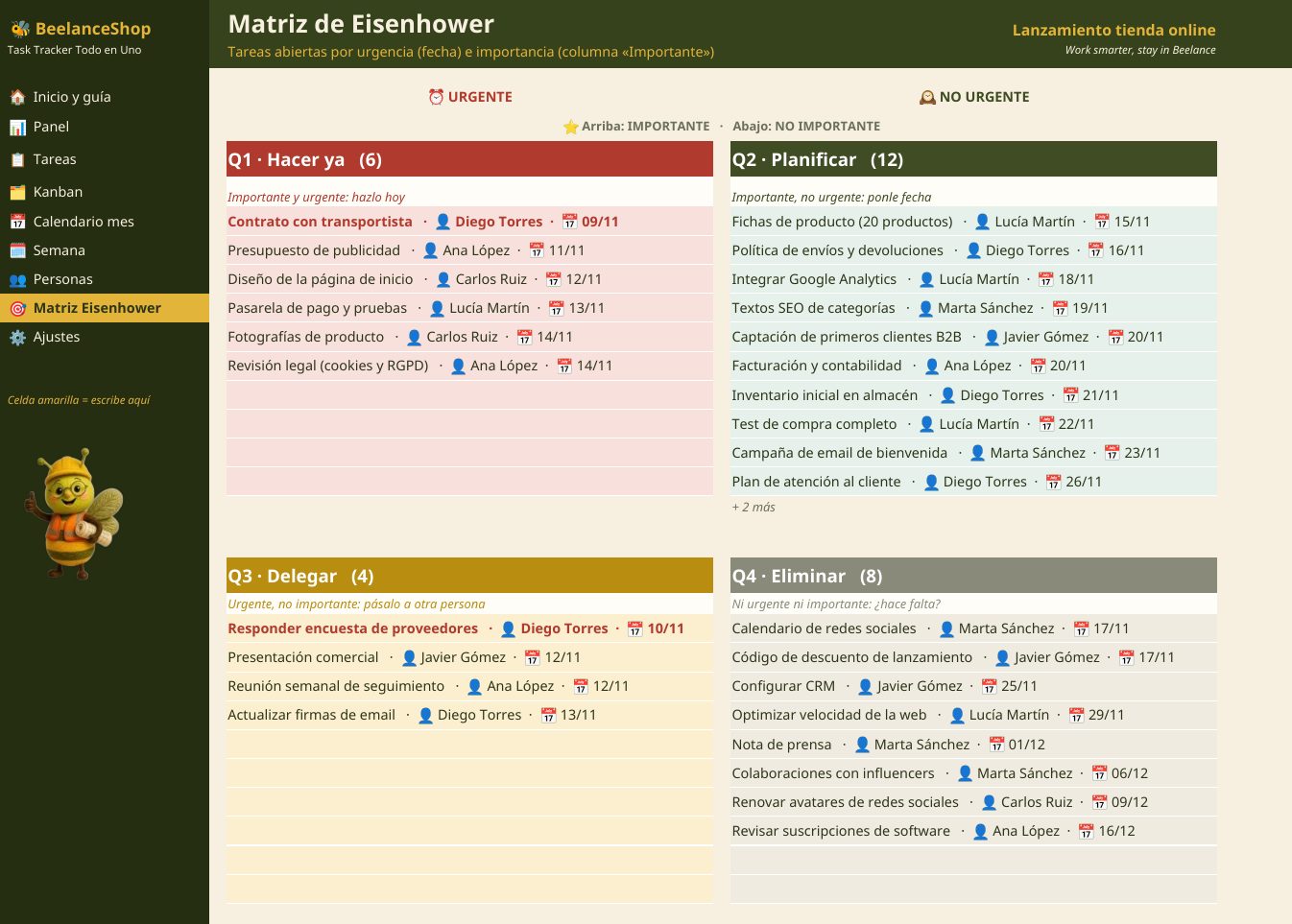
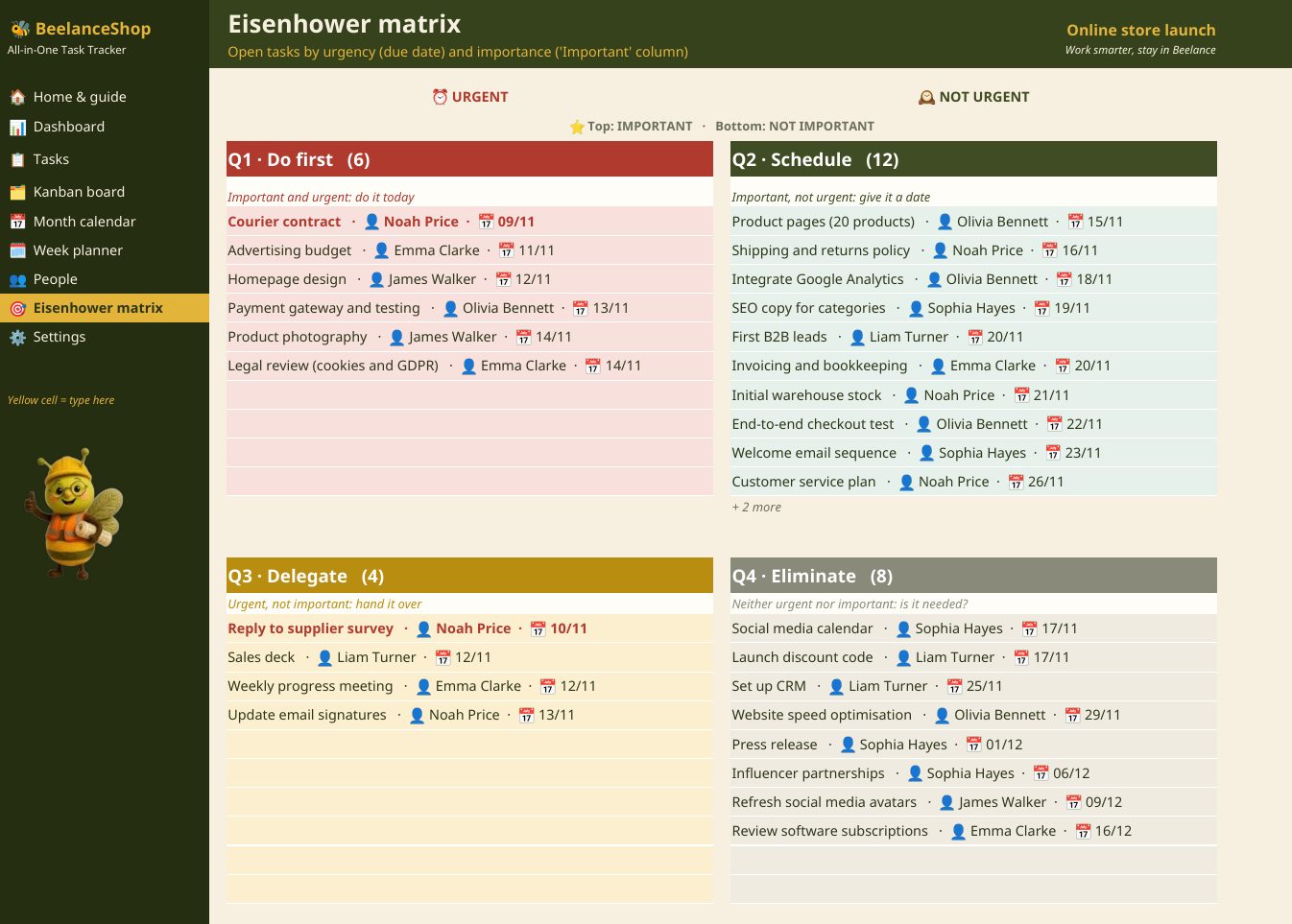
Con la columna «Importante» y la fecha de vencimiento, cada tarea cae sola en Hacer ya, Planificar, Delegar o Eliminar. En Equipo ves cuántas tareas lleva cada persona y cuántas tiene vencidas.With the 'Important' column and the due date, each task drops into Do now, Plan, Delegate or Eliminate. The Team sheet shows how many tasks each person has and how many are overdue.
Qué incluye y requisitosWhat’s included and requirements
- Libro .xlsx con 9 hojas y barra de navegación con iconos, en español e inglés con un clic..xlsx workbook with 9 sheets and an icon navigation bar, English and Spanish with one click.
- Capacidad: 200 tareas y 20 personas.Capacity: 200 tasks and 20 people.
- Sin macros. Excel 2016, 2019, 2021 o Microsoft 365 de escritorio, en Windows o Mac.No macros. Desktop Excel 2016, 2019, 2021 or Microsoft 365, on Windows or Mac.
- Manual de usuario en PDF.PDF user manual.
- Descarga inmediata y soporte por correo en 24 h.Instant download and email support within 24 h.
Preguntas frecuentesQuestions
¿Tengo que mover las tarjetas?Do I have to move the cards?
No. Cambias el estado de la tarea en la lista y la tarjeta salta de columna sola.No. Change the task's status in the list and the card moves column by itself.
¿Qué es el límite WIP?What is the WIP limit?
El número máximo de tareas en una columna (por ejemplo, en curso). Si se supera, el contador se pone en rojo: primero se termina algo antes de empezar otra cosa.The maximum number of tasks in a column (for example, In progress). When exceeded, the counter turns red: finish something before starting something new.
¿Sirve para un equipo?Does it work for a team?
Sí: hasta 20 personas, con filtro por persona en el tablero y carga de trabajo en el panel. Se comparte como cualquier Excel.Yes: up to 20 people, with a person filter on the board and workload on the dashboard. Share it like any Excel workbook.

Todo el trabajo de tu equipo a la vistaAll your team's work in plain sight
Descarga inmediata en español e inglés, con datos de ejemplo y manual en PDF. ¿Necesitas adaptarla a tu empresa? También la hacemos a medida.Instant download in English and Spanish, with sample data and a PDF manual. Need it adapted to your company? We also build it to measure.
Míralo en acción en TikTokSee it in action on TikTok
Vídeos cortos con cada plantilla paso a paso, trucos de Excel y nuevos lanzamientos en @beelanceshop.Short videos walking through each template, Excel tips and new releases at @beelanceshop.
¿Se te queda corta una plantilla? Lo hacemos robusto, a medidaOutgrown a template? We build it robust, to measure
¿Necesitas el control conectado a tu ERP, a Primavera P6 o en una app para tus obras?Need project controls linked to your ERP, Primavera P6 or in an app for your sites? Desarrollamos software para tus procesos: apps de escritorio, apps de campo y paneles conectados a tus datos.We build software for your processes: desktop apps, field apps and dashboards connected to your data.

Otras plantillasMore templates
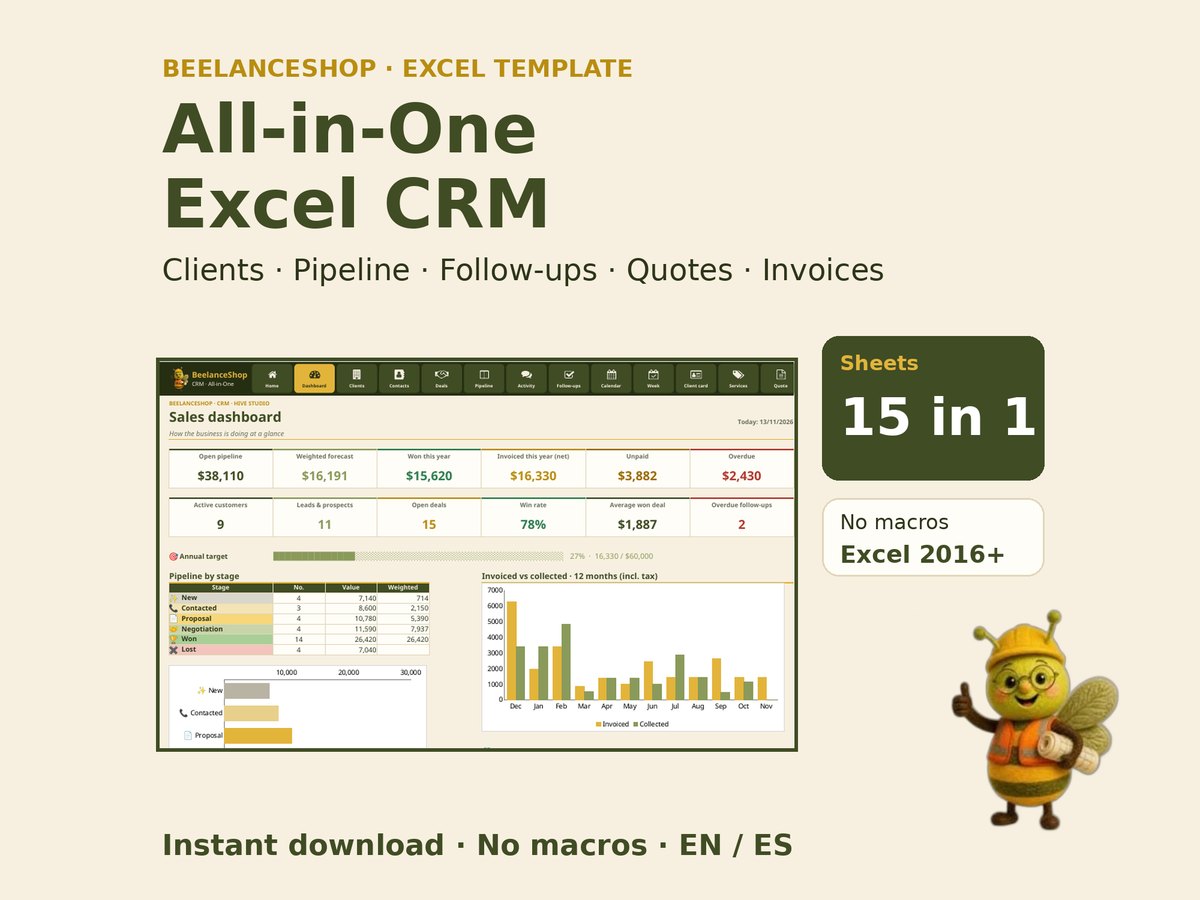 CRM Todo en UnoAll-in-One CRM
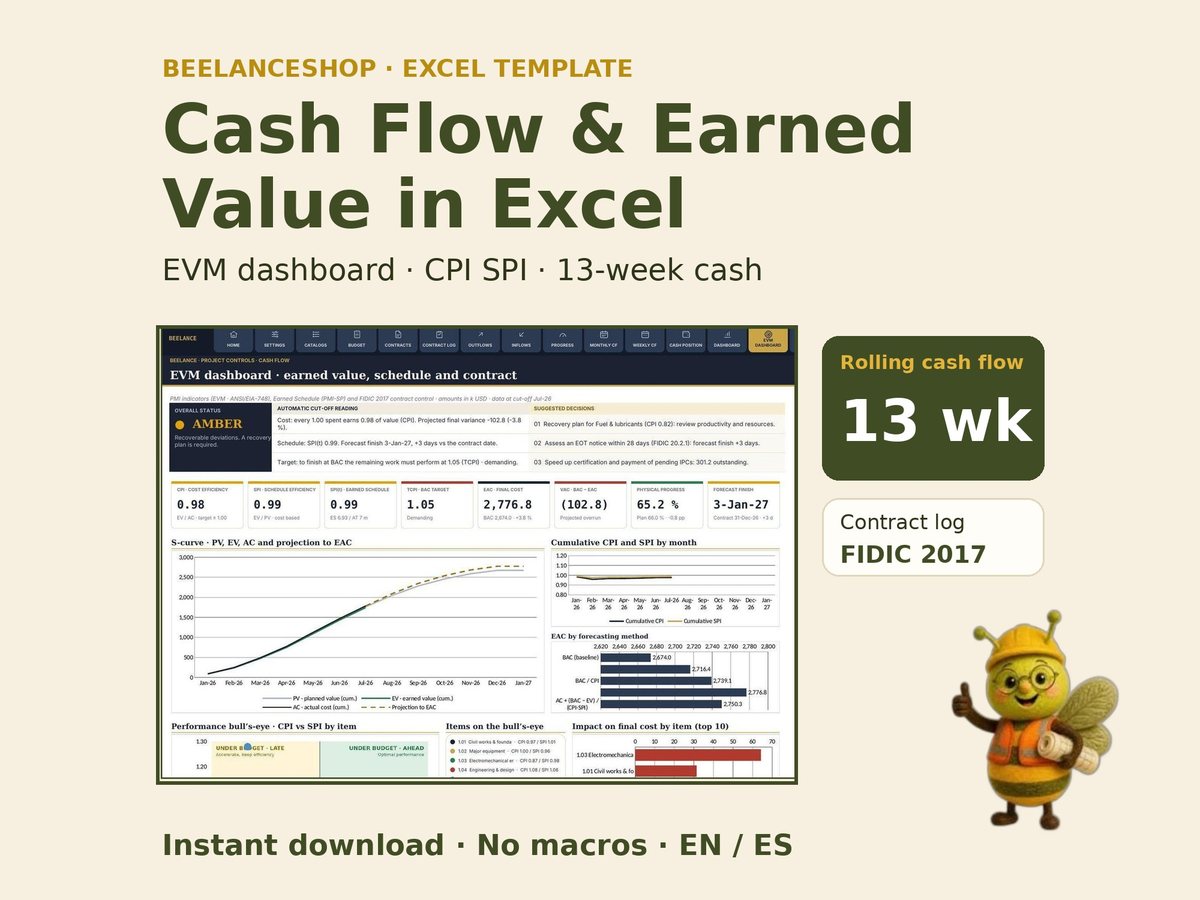 Control de Flujo de Caja y Valor GanadoProject Cash Flow & Earned Value Control
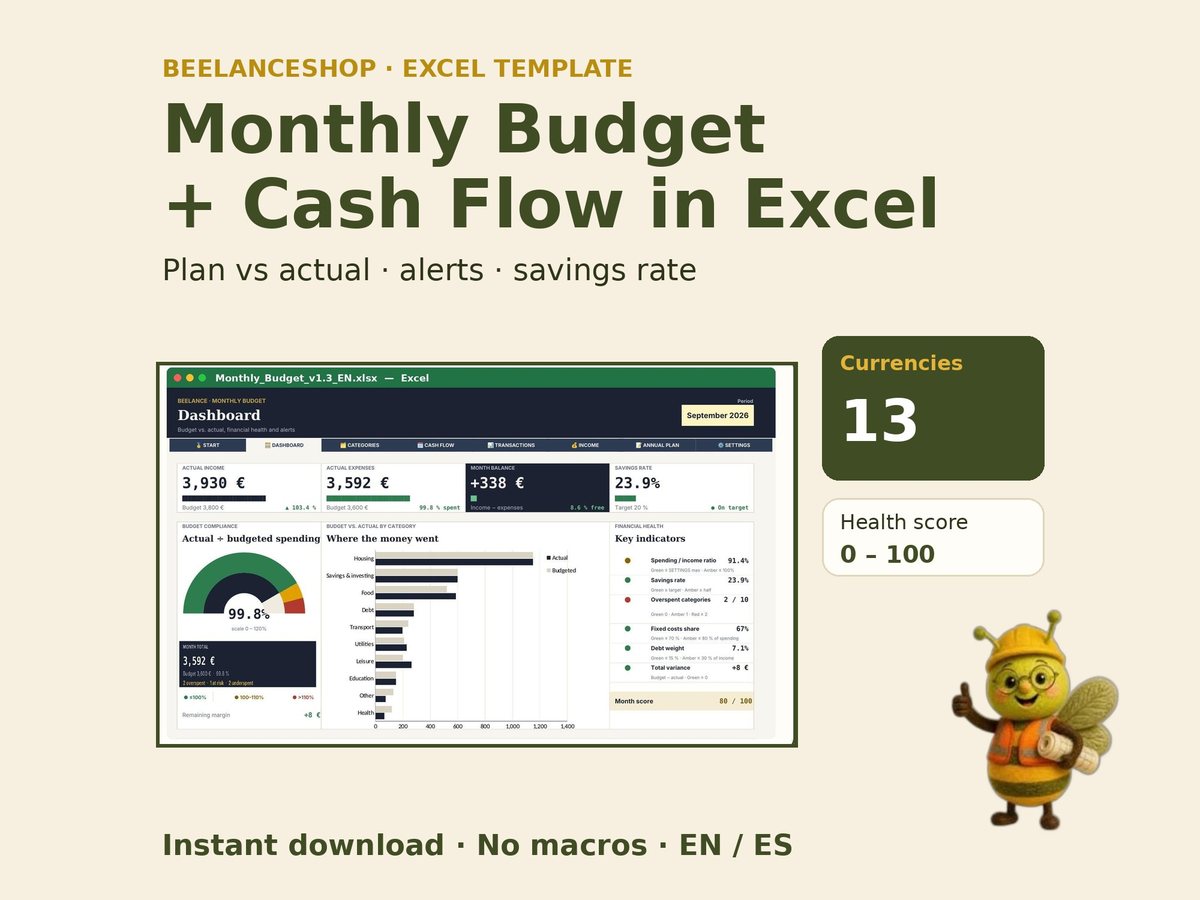 Presupuesto MensualMonthly Budget Planner
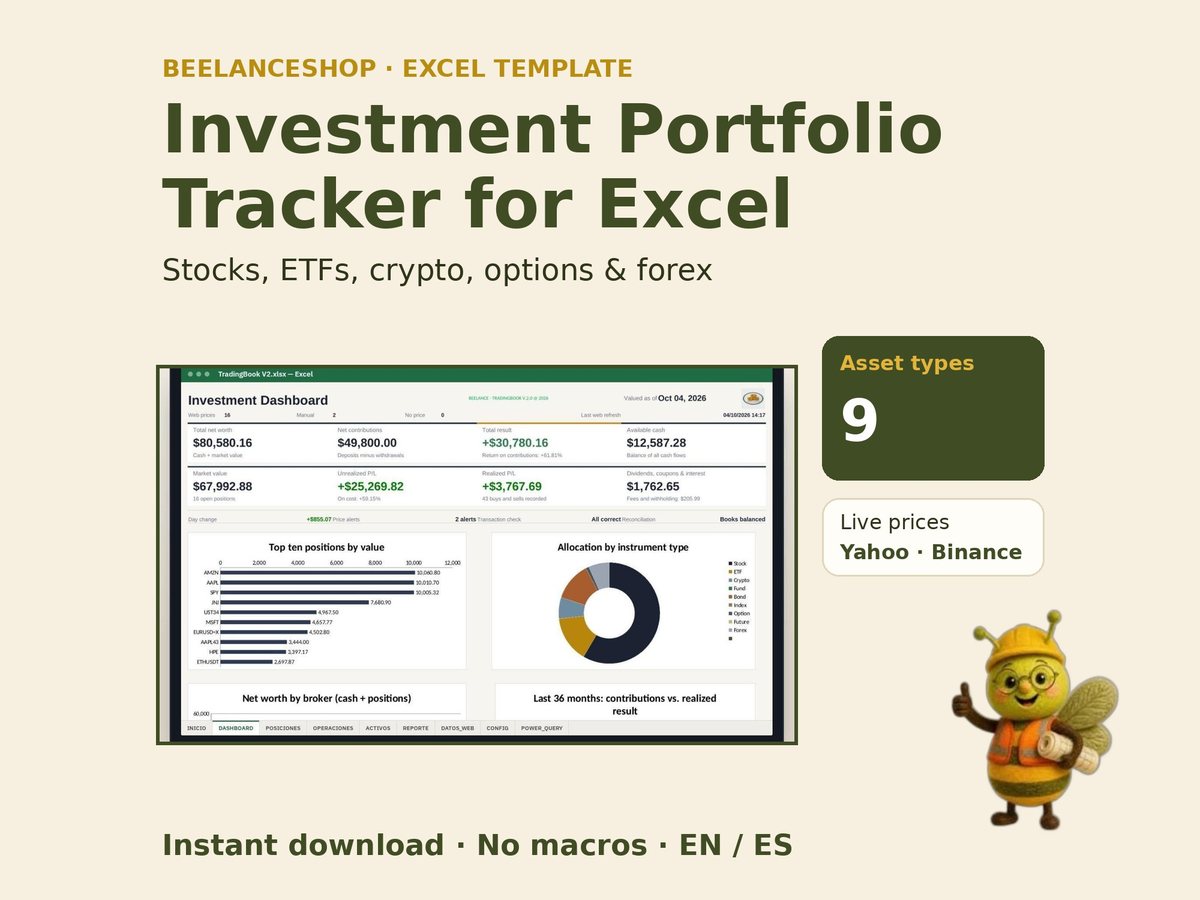 Seguimiento de Cartera de InversionesInvestment Portfolio Tracker
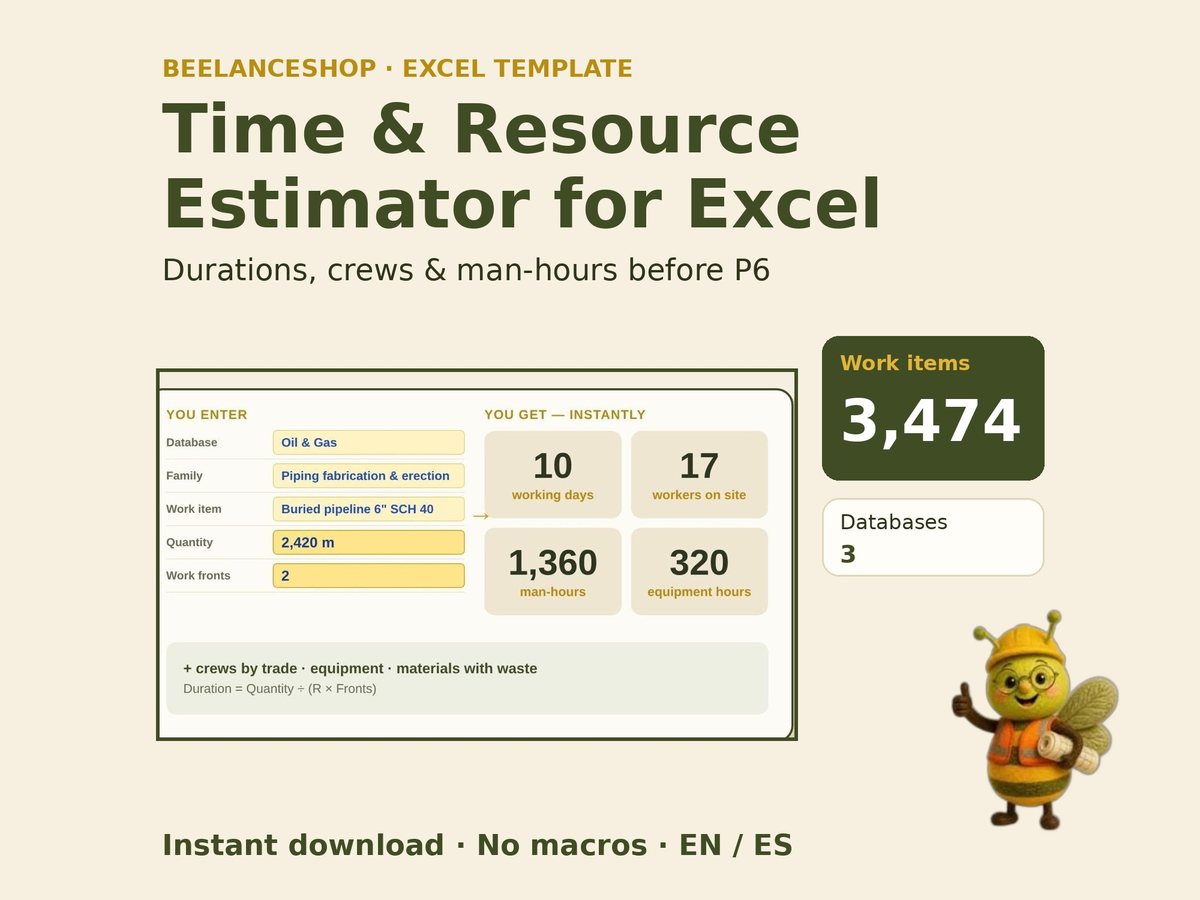 Estimador de Tiempos y Recursos de ObraConstruction Time & Resource Estimator
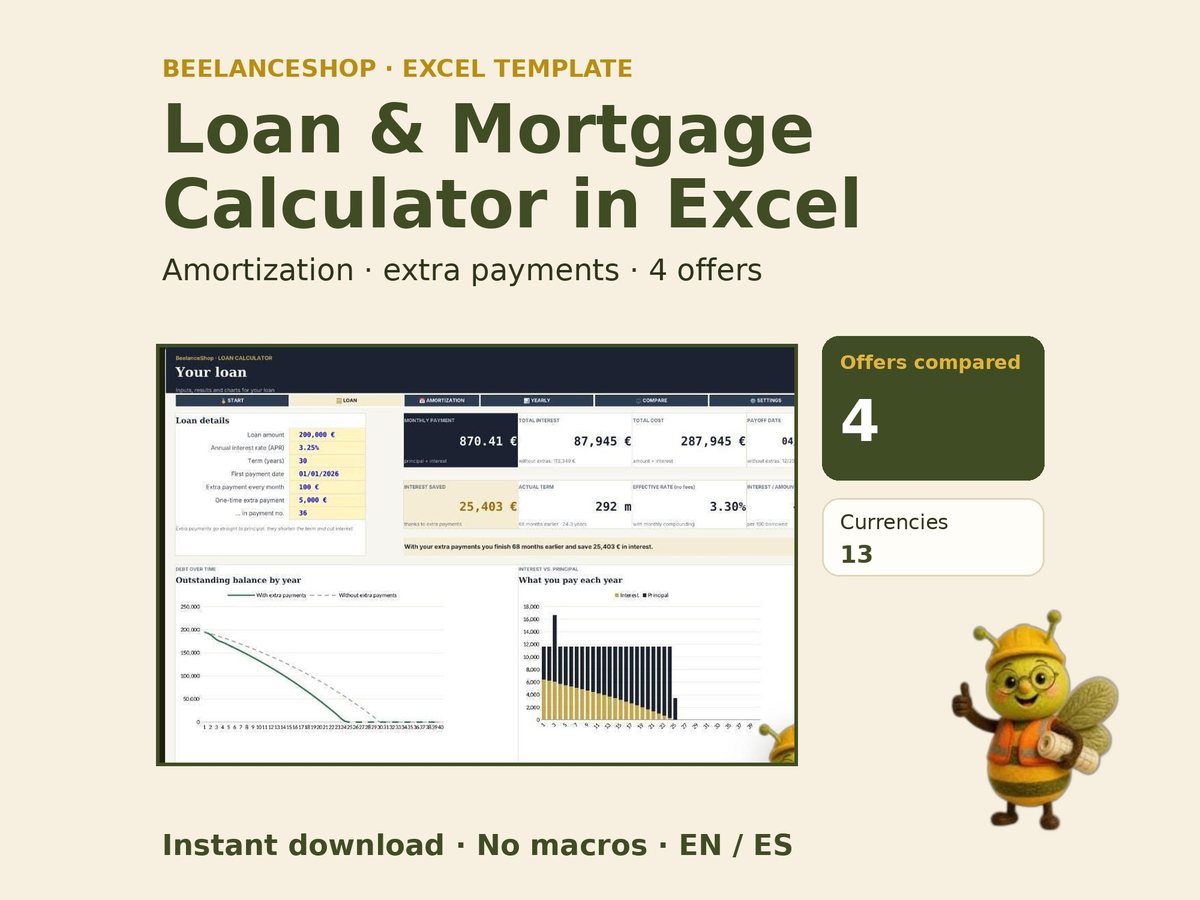 Calculadora de Préstamos e HipotecasLoan & Mortgage Calculator